 bloop
Present Anywhere
Scan the QR code, approve on your phone, and present.
-
Scan
Scan the screen's QR code with your phone camera.
-
Approve
Select your files, then tap Approve.
-
Present
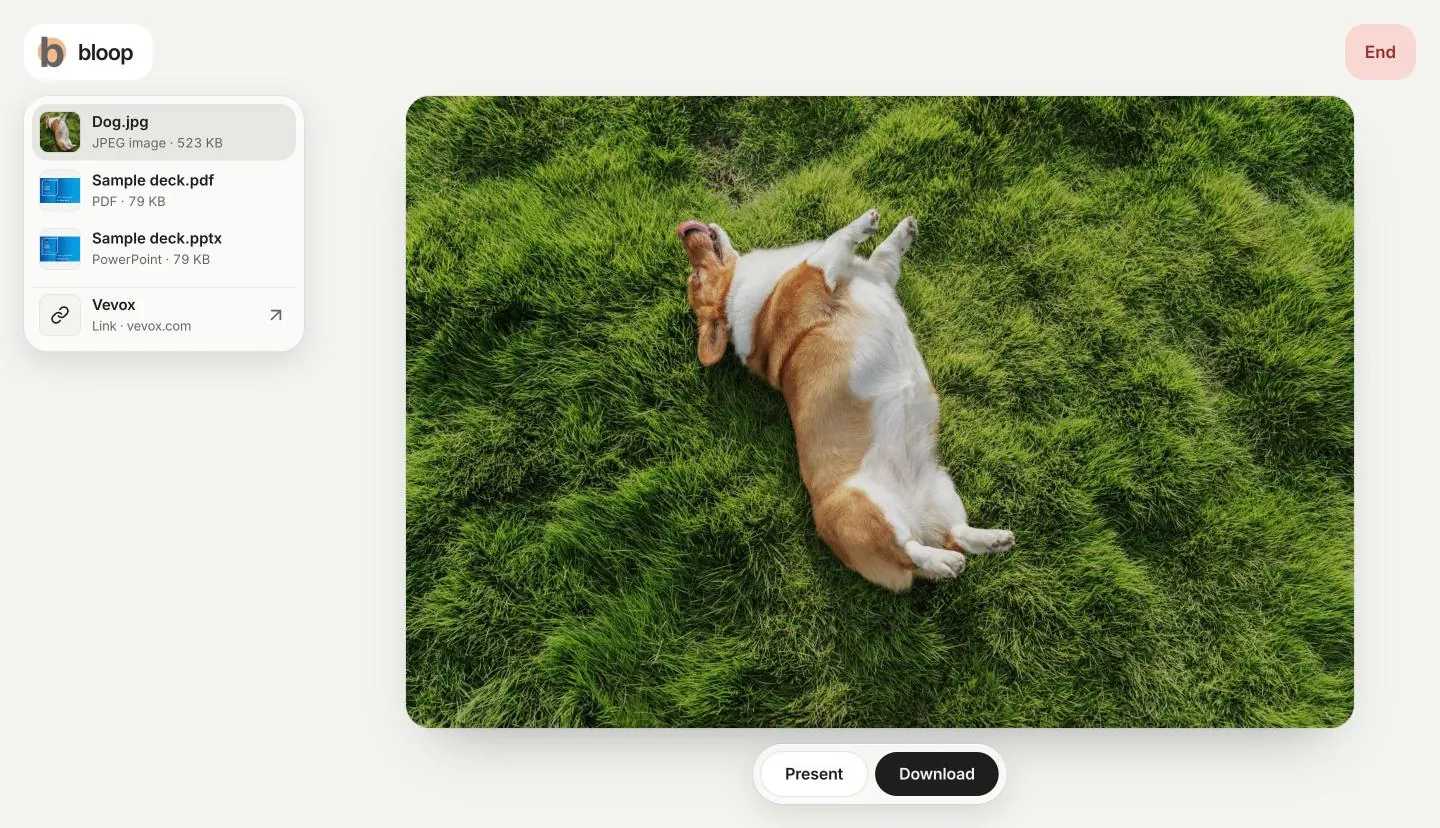
Present immediately or download your file.
1 / 20
You Stay in Charge
-
Approve on Your Phone
Check the code matches, then tap Approve.
-
Screen Never Gets Your Account
It gets a link to each item you approve.
-
Revoke Any Time
Revoke from your phone, and each link expires.
-
Present or Download
Show a file full screen, or save a copy.
-
Know What Can Stay
A downloaded copy can stay on the PC. See what can stay.
-
Share Files and Links
Slides, PDFs, photos and links, from your phone.
Connect Your Files
What You Can Share
Available- PowerPoint
- Images
- Links
Integrations
Coming Soon- Microsoft OneDrive
- Dropbox
- Google Drive™
- Box
Questions
Is it free?
Yes, while bloop is in early access.
Do I need to install anything?
No. The screen opens bloop in its browser, and your phone uses its camera.
What stays on the room PC?
Only a link to each item you open, and never your account. A downloaded copy or the browser's history can stay until the PC is wiped. See what can stay.
Which files work?
PowerPoint, PDF, photos, videos and links.
Another question? Email hi@bloop.here